Pump
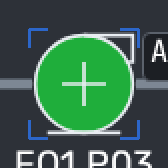
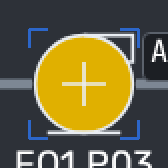
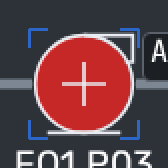
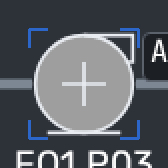
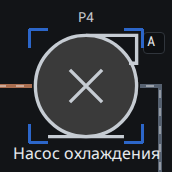
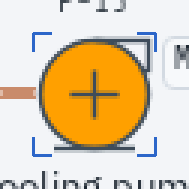
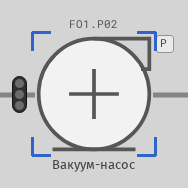
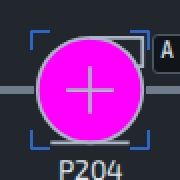
Pump symbols, from a plain circle to a pump with its motor.
In other looks
Component gallery
The 63 kinds of part in SM1’s vocabulary, from pumps and valves to alarm rows and taskbar buttons, each shown in the states it tells apart: 157 states in 348 pictures.
16 kinds of part
Machines, vessels and valves on the process pages. Their colour carries the state, by each plant’s own convention.
Pump symbols, from a plain circle to a pump with its motor.
In other looks
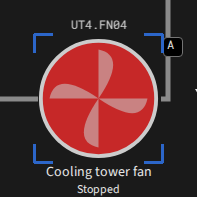
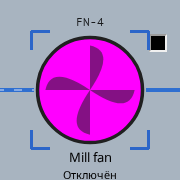
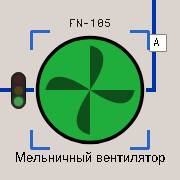
Fans and blowers, drawn with their blades.
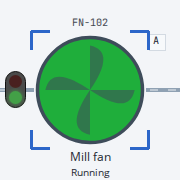
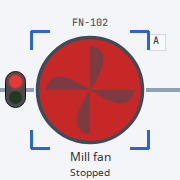
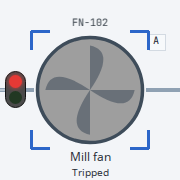
In other looks
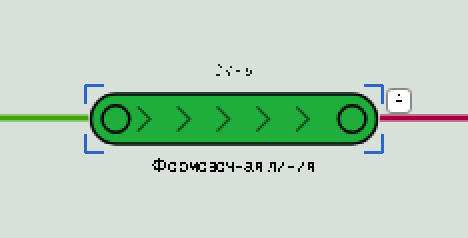
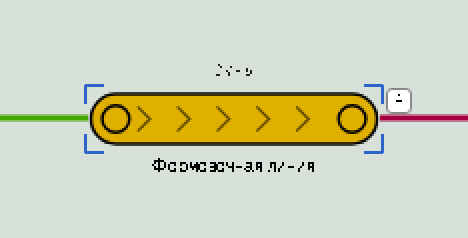
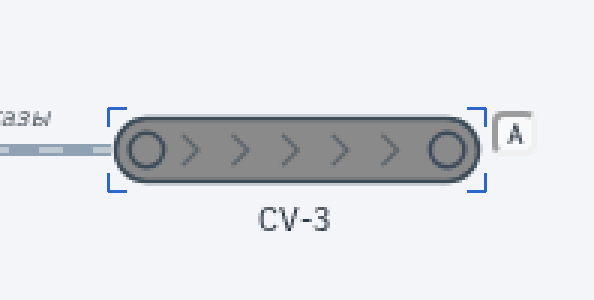
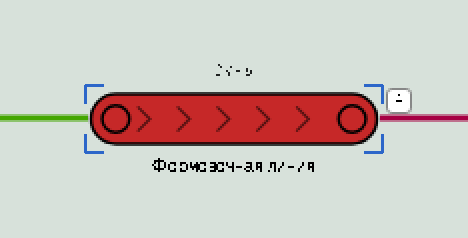
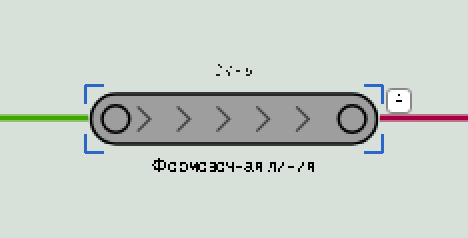
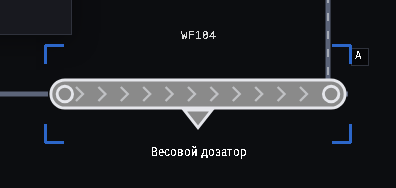
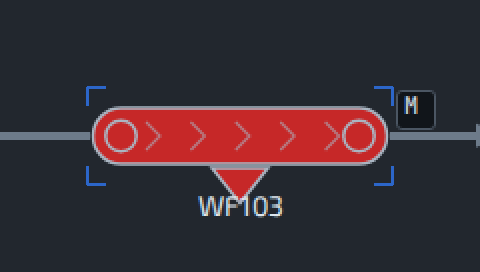
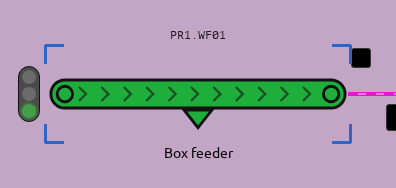
A belt drawn as a run with arrows; the colour of the belt carries its state.
In other looks
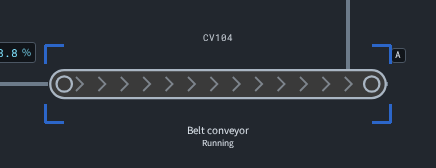
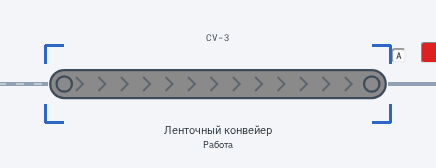
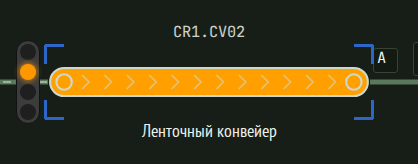
A short belt with its weighing hopper.
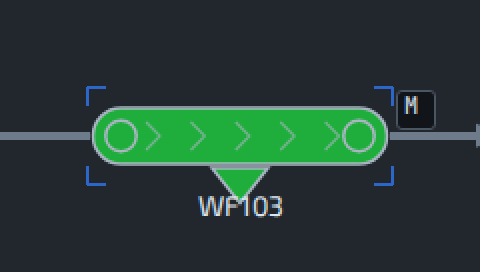
In other looks
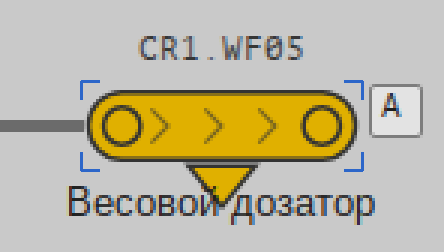
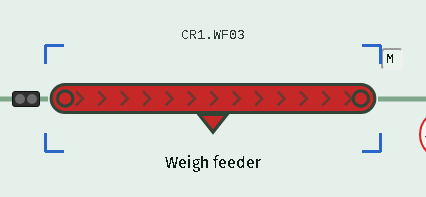
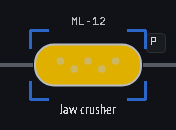
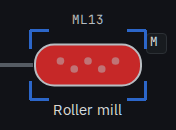
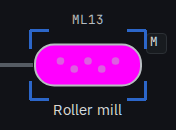
Crushers, roller mills and other size reduction.
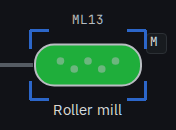
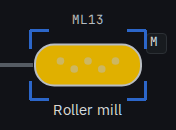
In other looks
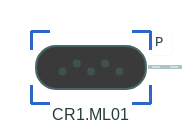
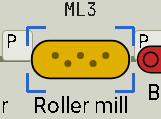
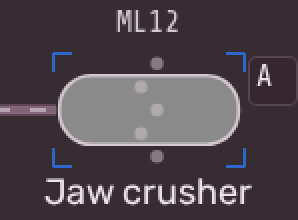
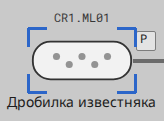
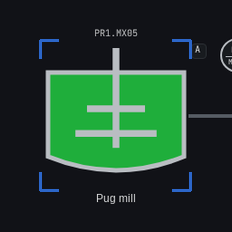
Mixers and pug mills: a vessel with its stirrer.
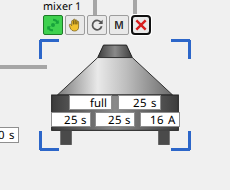
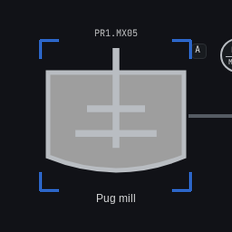
In other looks
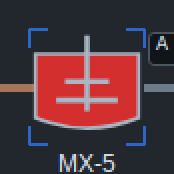
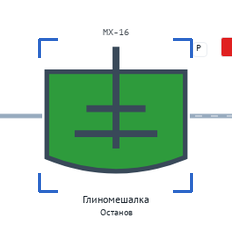
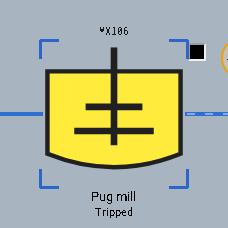
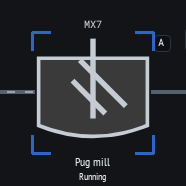
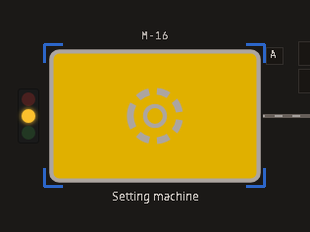
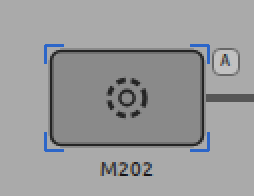
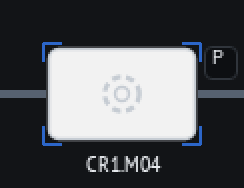
A generic machine block, such as a cutter, a press or a packer.
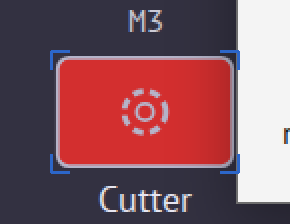
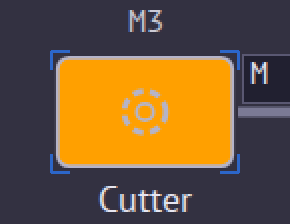
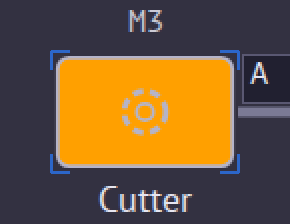
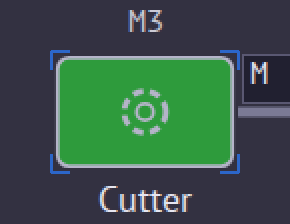
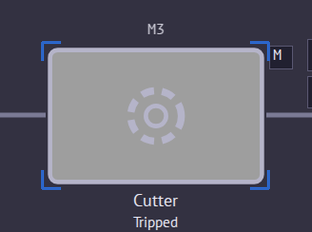
In this plant, starting and stopping share one colour; both are states SM1 reports.
In other looks
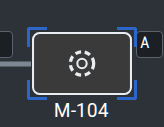
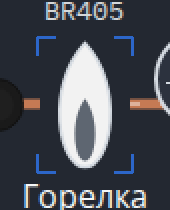
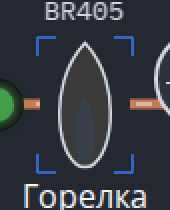
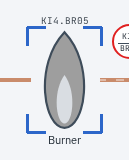
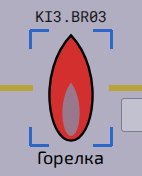
A flame symbol, on or off.
In other looks
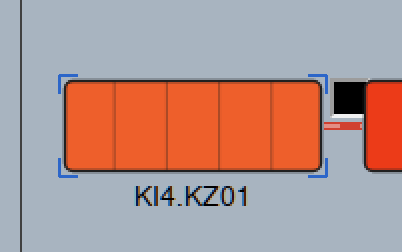
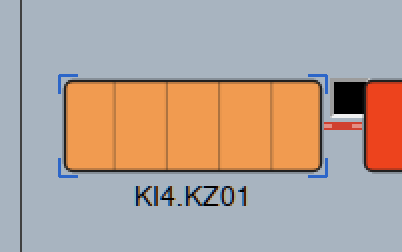
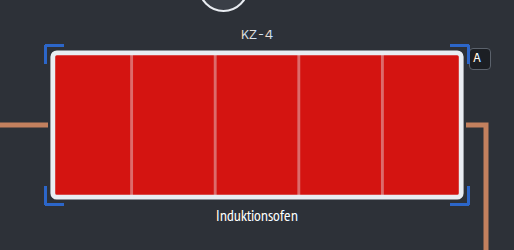
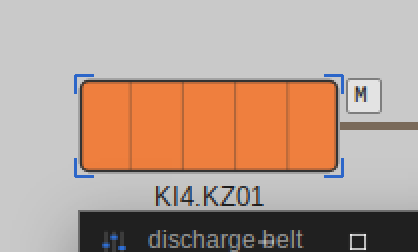
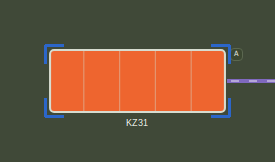
A zone of a kiln, dryer or furnace, drawn as a block of chambers.
In other looks
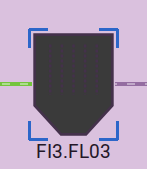
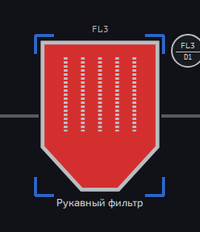
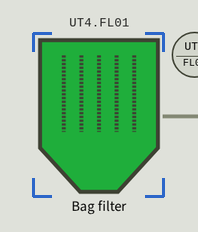
Bag and dust filters.
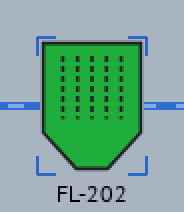
Also in its vocabulary: “alarm”. No clean example of it to show.
In other looks
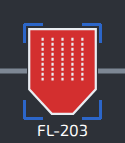
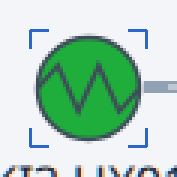
Coolers and heat-recovery exchangers.
Also in its vocabulary: “alarm”. No clean example of it to show.
In other looks
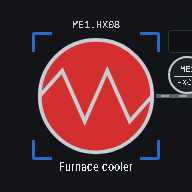
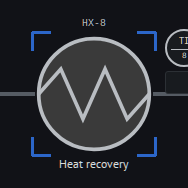
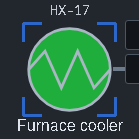
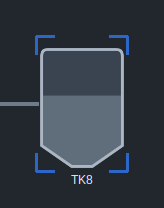
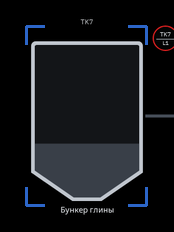
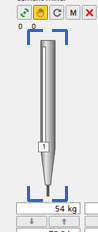
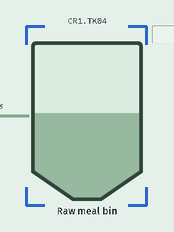
A vessel and its level: normal, low or in alarm.
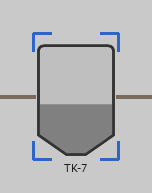
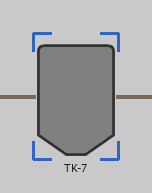
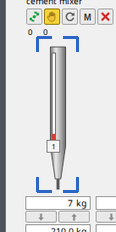
Only the Windows looks label a low level; they draw a tank as a narrow level gauge.
In other looks
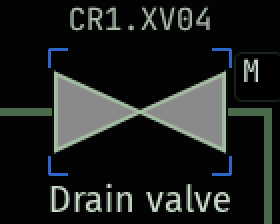
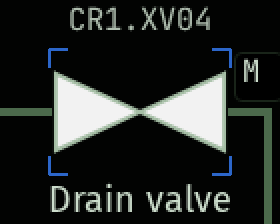
On–off valves: open, closed, or travelling between the two.
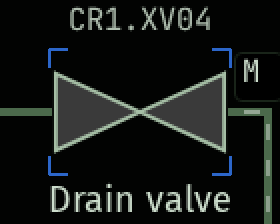
In other looks
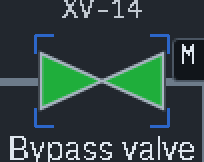
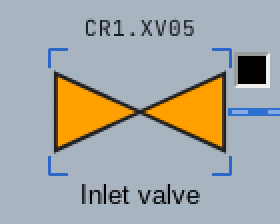
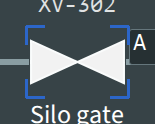
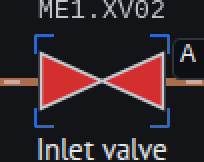
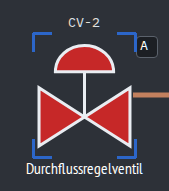
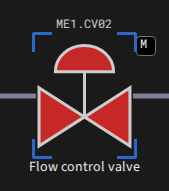
A valve with its actuator, as drawn on process pages.

In other looks
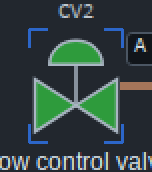
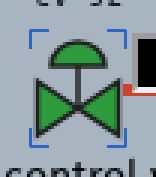
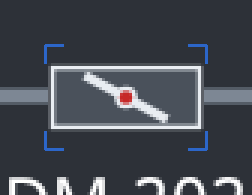
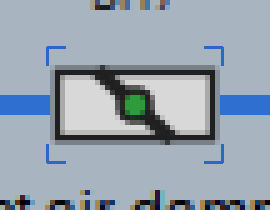
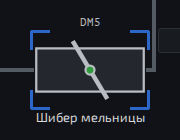
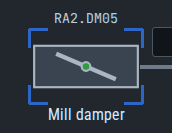
A damper in a duct, with its blade.
In other looks
Lines between equipment, with or without flow.
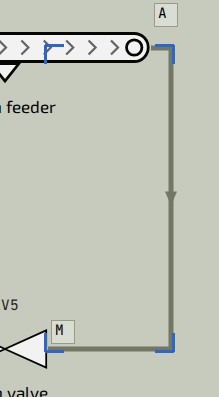
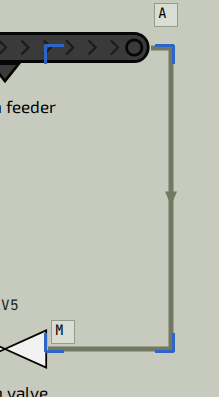
Flow is drawn as movement: a still frame of a flowing pipe can look like a static one.
13 kinds of part
Lamps, values and gauges: what the process is doing, as numbers, colours and needles.
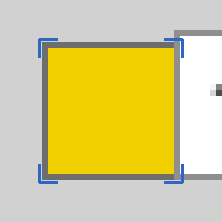
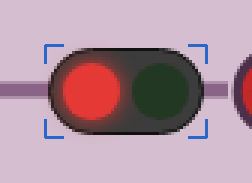
A signal lamp: off, on, warning, blinking or in alarm.


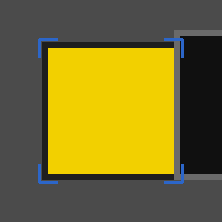



In the first row’s plant, a lamp that is on is drawn dark and one that is off is drawn light.
In other looks
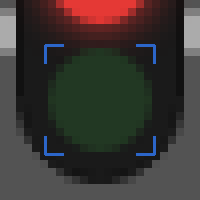



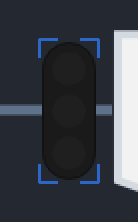
A stack light: which of its lamps are lit, and whether they blink.
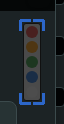
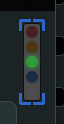
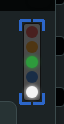

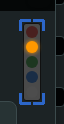
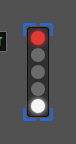
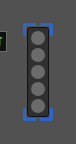
Also in its vocabulary: “green, blinking” and “red, blinking”. No clean example of these to show.
In other looks
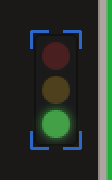
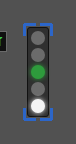
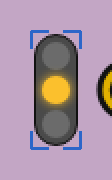
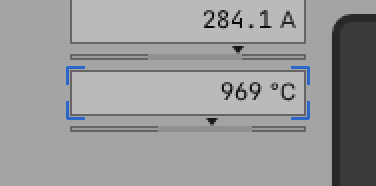
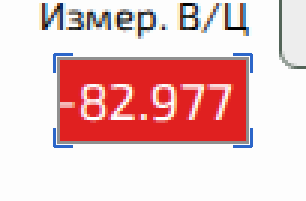
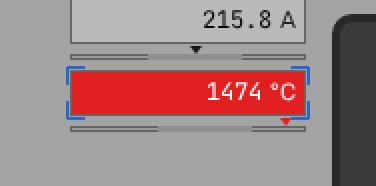
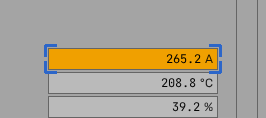
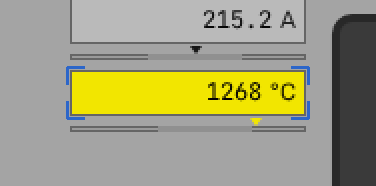
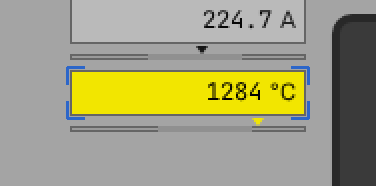
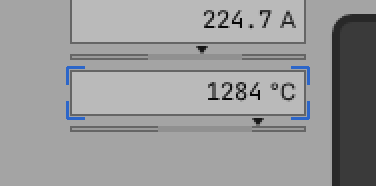
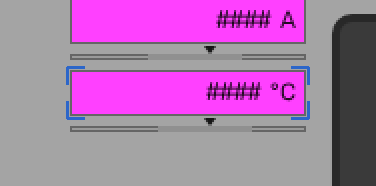
A value field with its unit. Its colour shows the alarm level; a lost signal shows as “####”.
In other looks
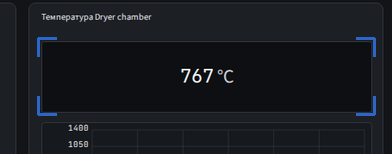
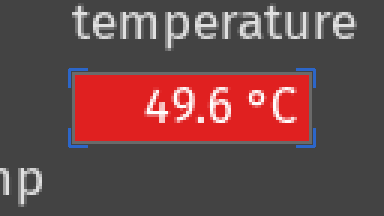
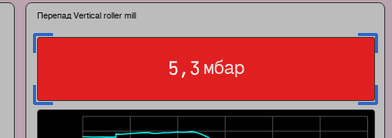
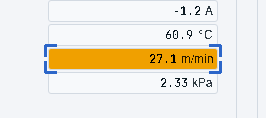
A value with a pointer on its scale, in range or out of it.
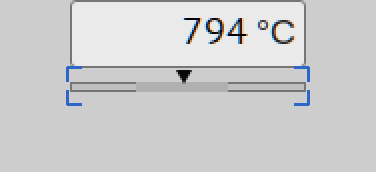
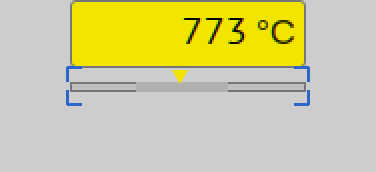
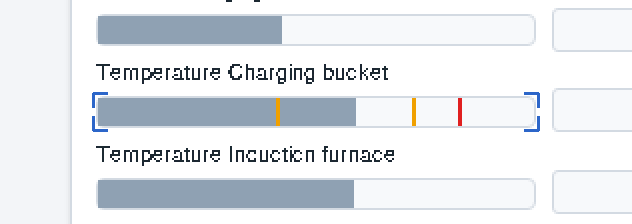
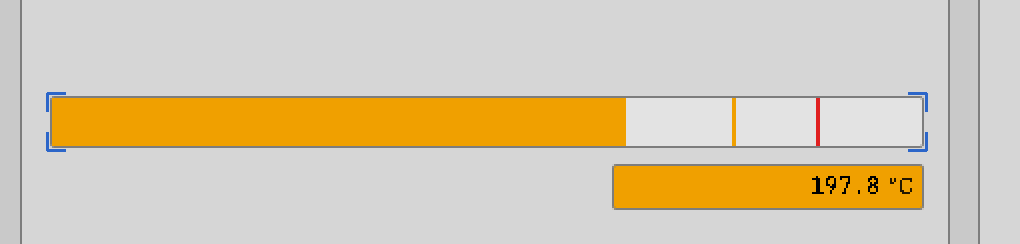
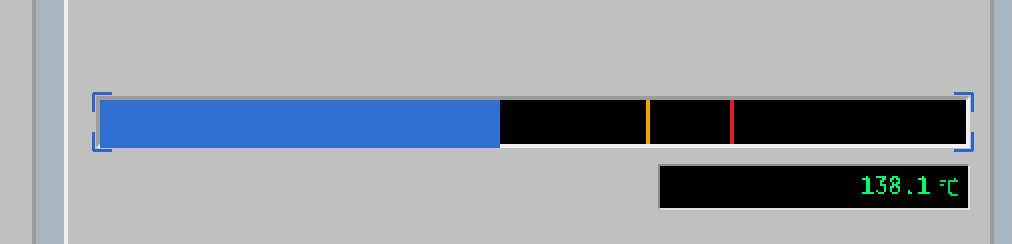
A level or value drawn as a bar against its limits.
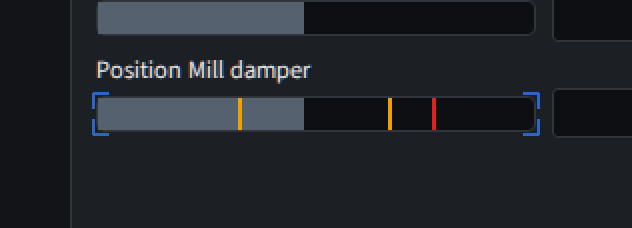
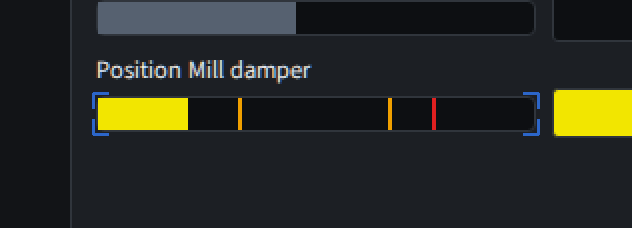
In other looks
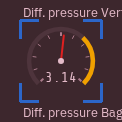
A round gauge with its needle and alarm arc.
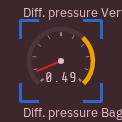
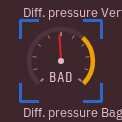
In other looks
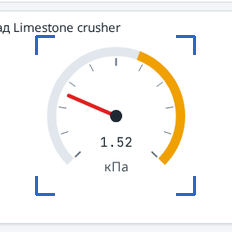
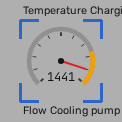
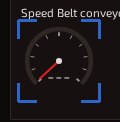
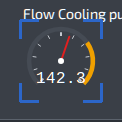
The instrument bubble of a process diagram, with its tag.
In other looks
A counter in seven-segment digits.
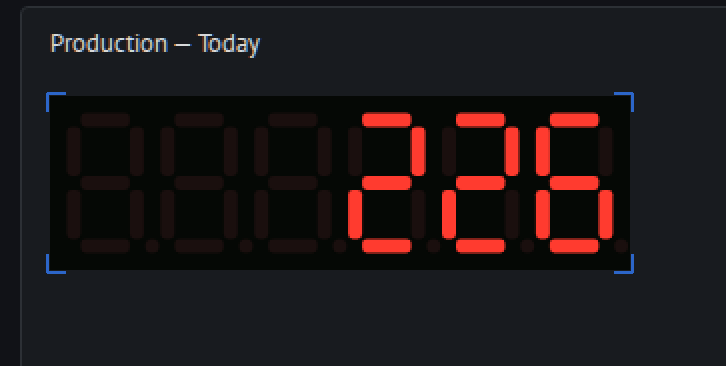
In other looks
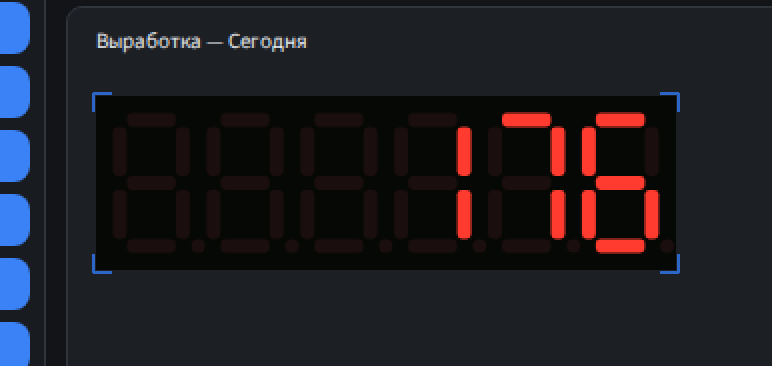
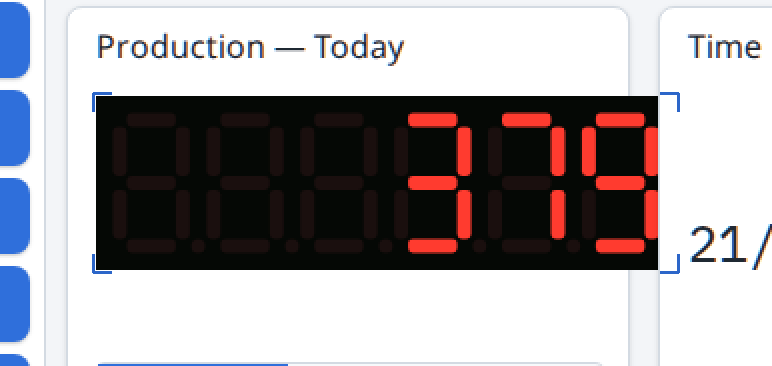
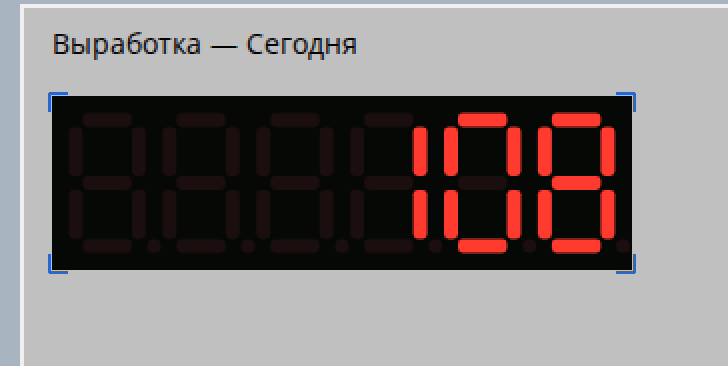
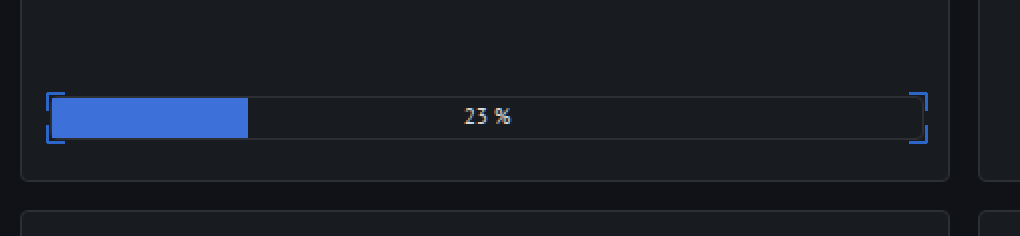
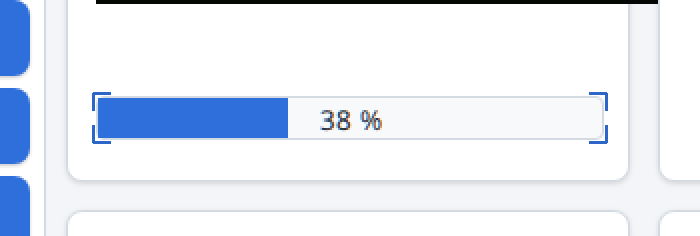
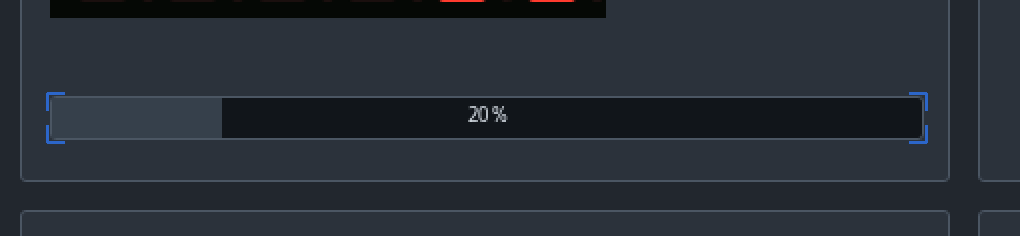
The progress of a batch or a sequence.
In other looks
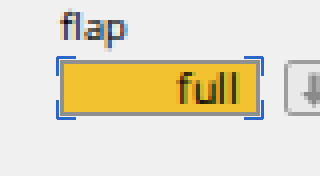
A word on a coloured field, such as “full”.
In other looks
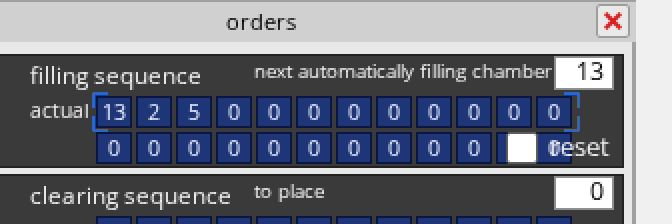
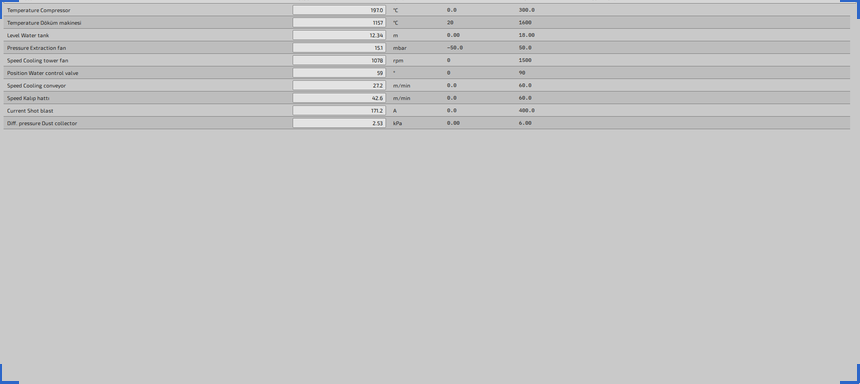
A block of values and indicators, such as a sequence display.
In other looks
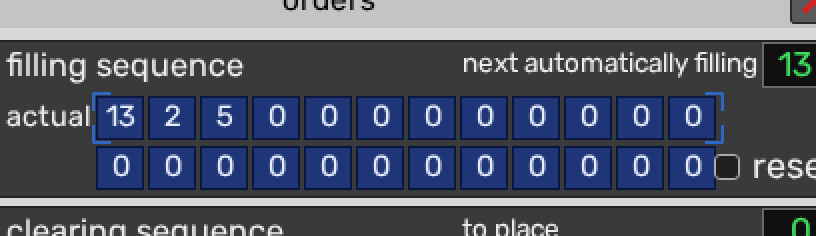
The time on screen: digits or a dial.
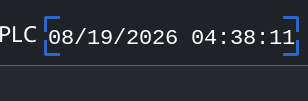
In other looks
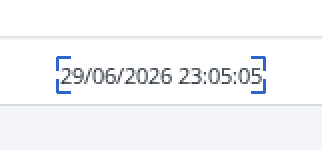
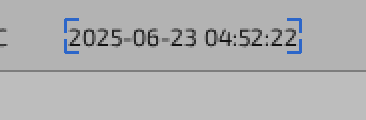
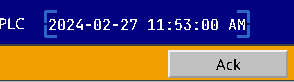
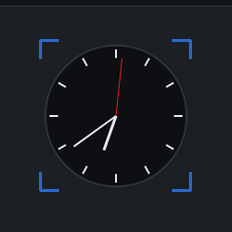
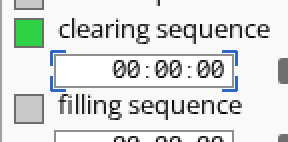
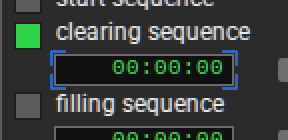
A running or set time, such as a sequence step’s.
In other looks
4 kinds of part
Alarm banners, alarm lists and tables, row by row: priority, whether the alarm is still active, and whether it was acknowledged.
The newest alarm across the screen, with its counter.




In other looks




One alarm in an alarm list: its priority, whether it is still active, and whether it was acknowledged.















Unacknowledged alarms blink: both phases are shown.
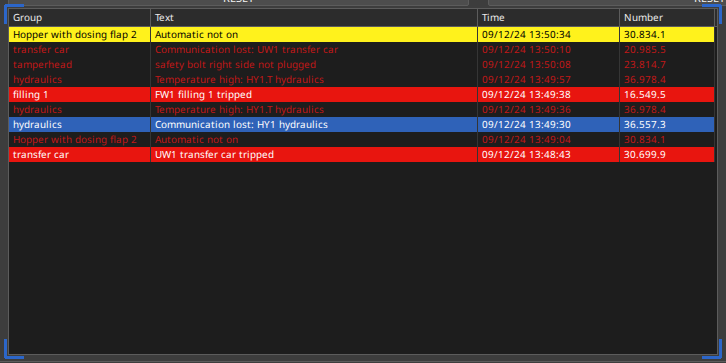
One row of a table or alarm table: normal, selected, or an alarm by priority, acknowledged or not, still present or gone.











“Gone” is an alarm whose condition has cleared while it waits to be acknowledged.
In other looks



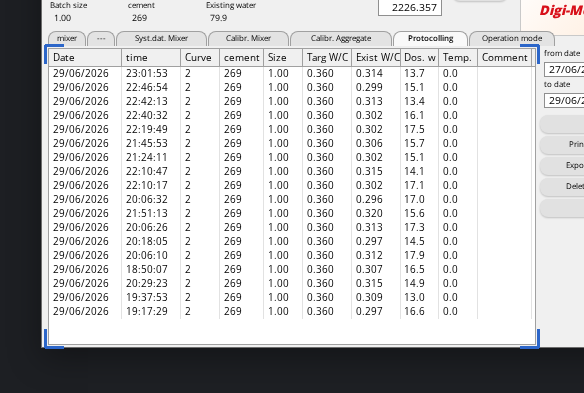
A whole table or list: alarm logs, batch records.
In other looks
3 kinds of part
Trend charts, cell maps and 3-D machine views.
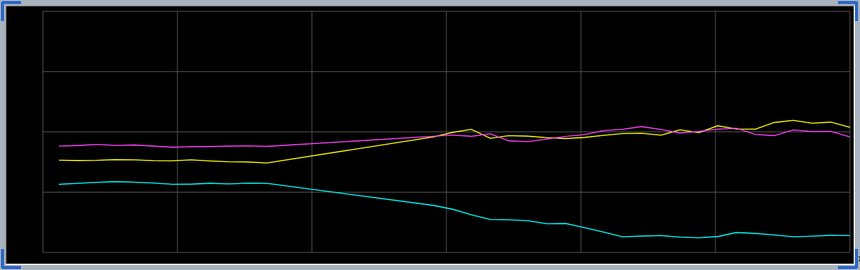
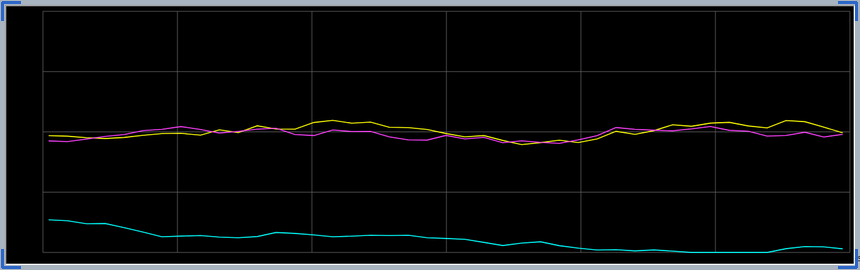
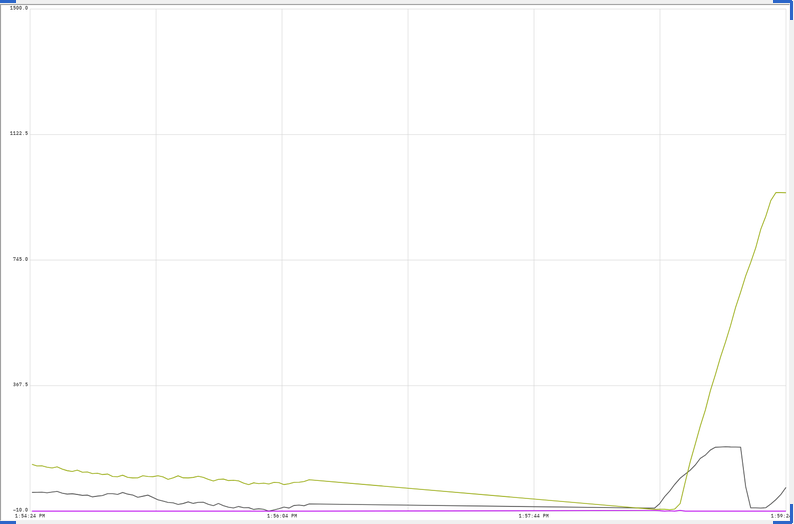
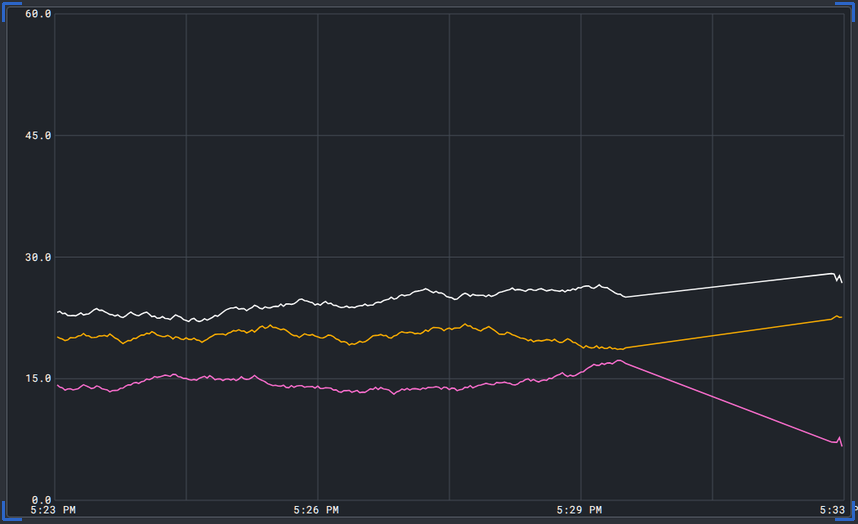
A chart of pens over time, live or paused.
In other looks
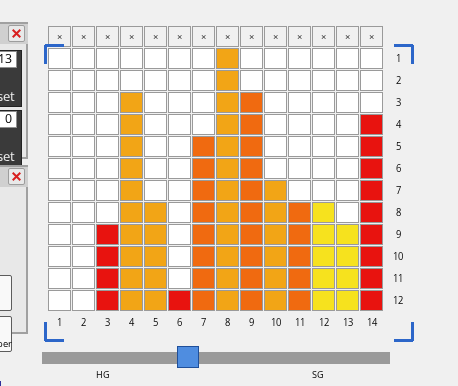
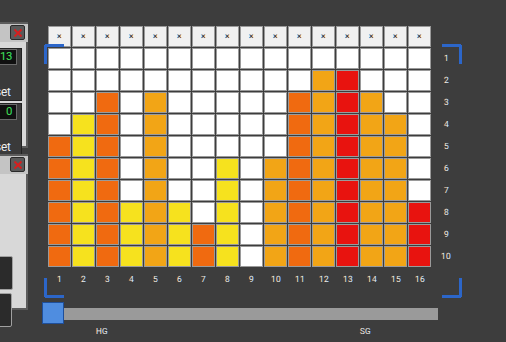
A grid of coloured cells, such as a store or a kiln car map.
In other looks
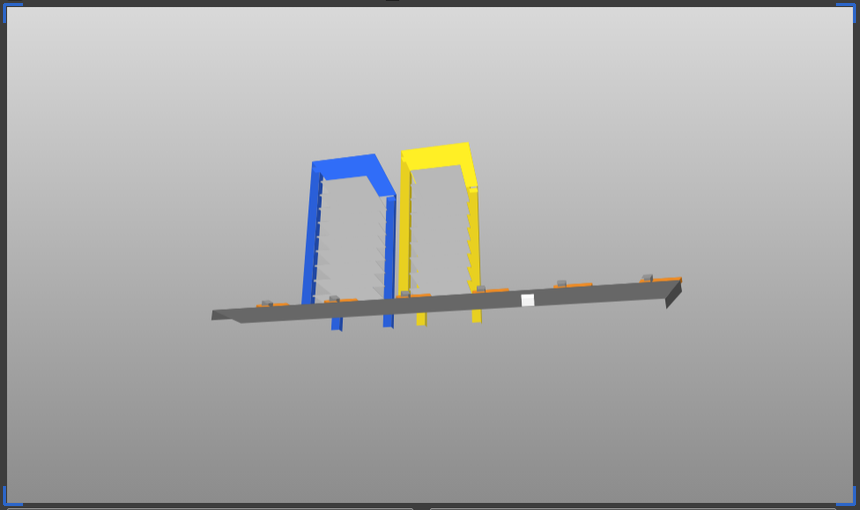
An animated three-dimensional view of a machine.
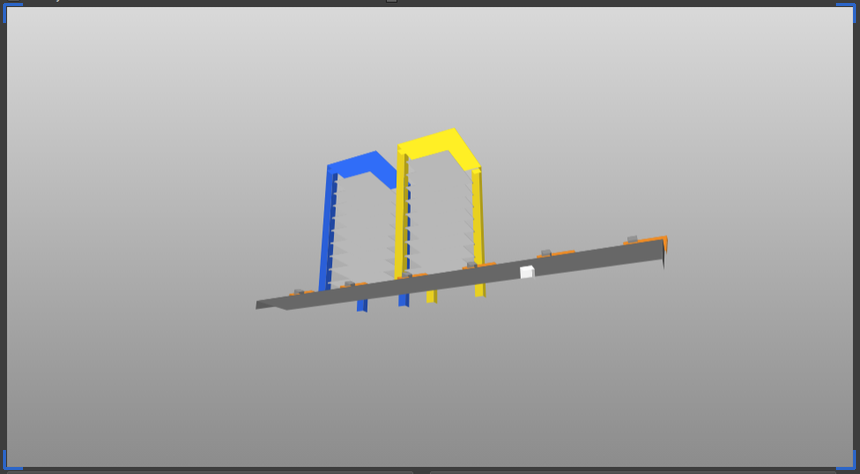
In other looks
19 kinds of part
What operators press, type into and drag.
A command button: normal, pressed, or latched in.
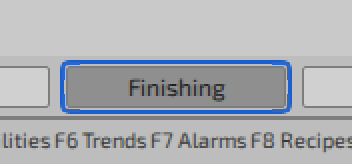
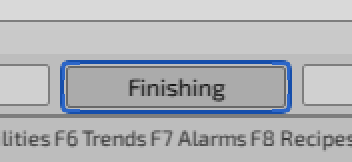
In other looks
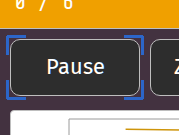
The small buttons of a window’s title bar.
In other looks
A button that shows an icon, normal or active.
In other looks
An icon with its label in a toolbar.
In other looks
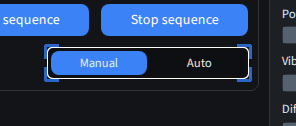
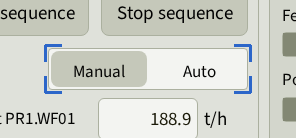
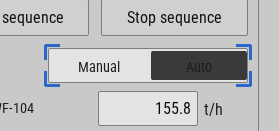
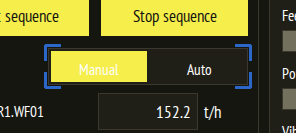
A two-way switch, such as Manual and Auto.
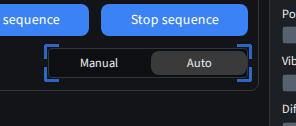
In other looks
A rotary switch, off or on.
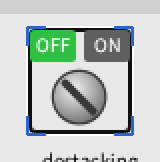
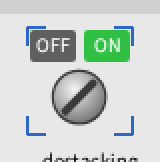
In other looks
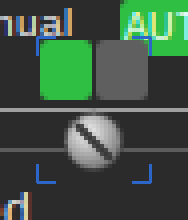
Checked or not.
In other looks
Selected or not.
In other looks
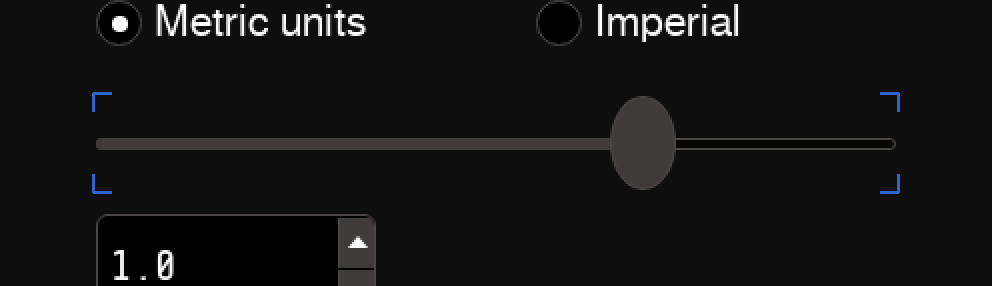
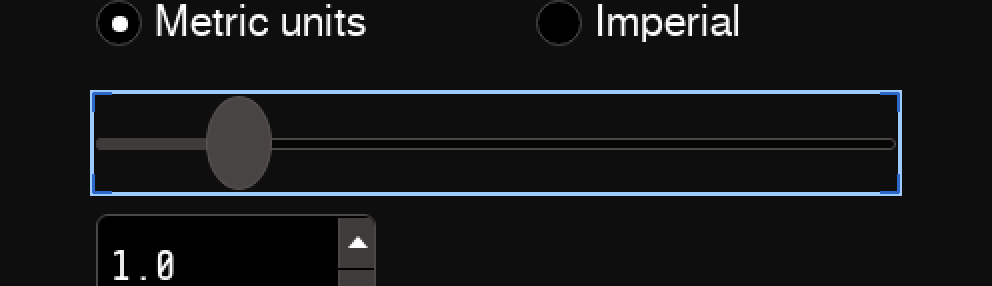
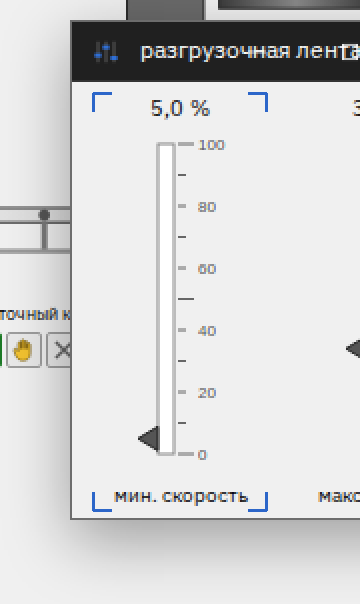
A setpoint on a track, at rest or being dragged.
In other looks
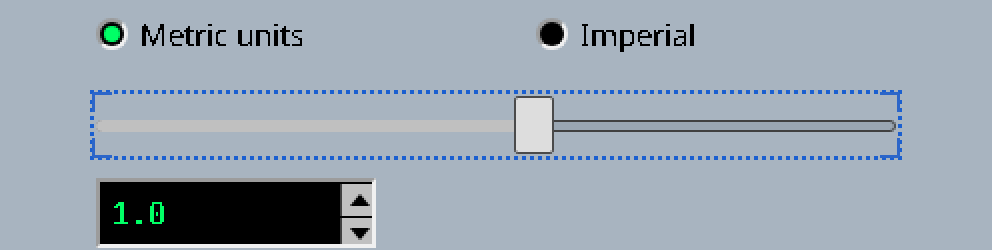
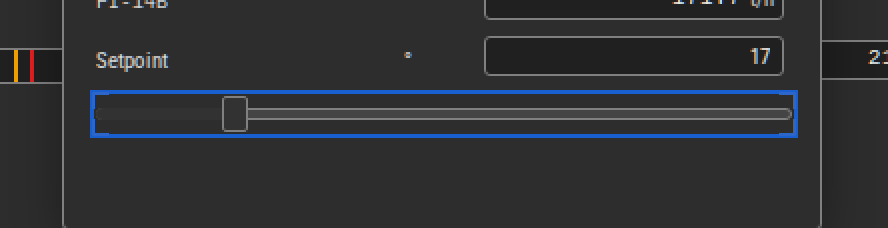
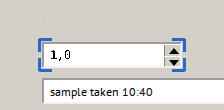
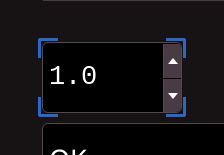
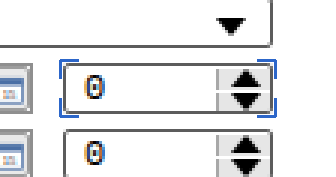
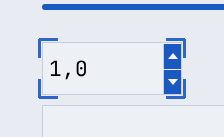
A number field with up and down arrows.
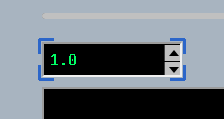
In other looks
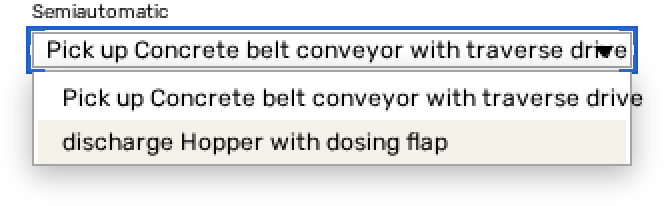
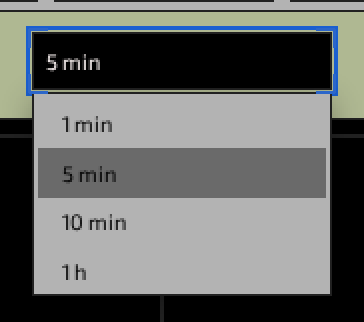
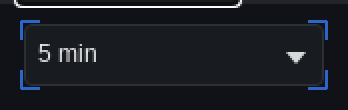
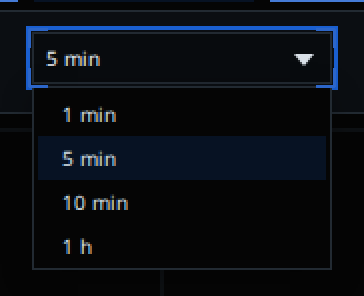
A list that opens below its field.

In other looks
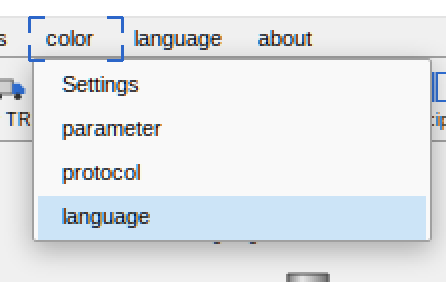
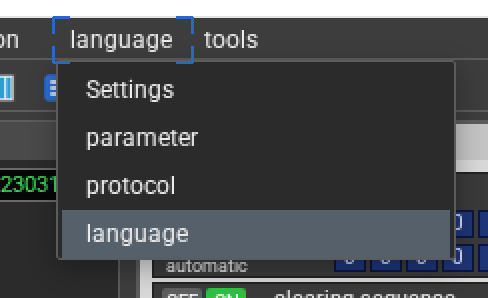
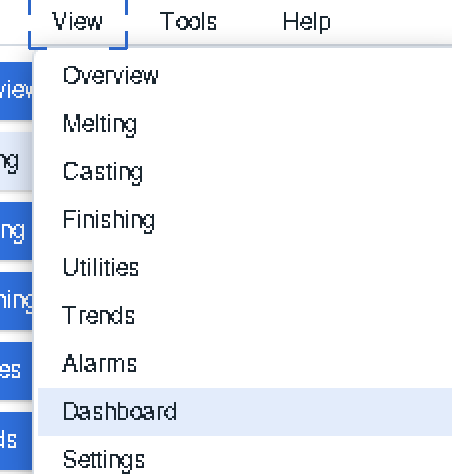
A menu bar entry and its open menu.
In other looks
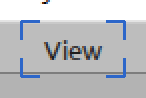
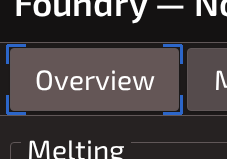
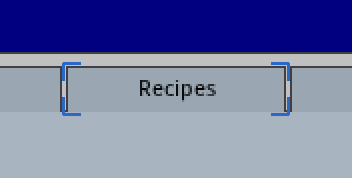
Page tabs, active or not.
In other looks
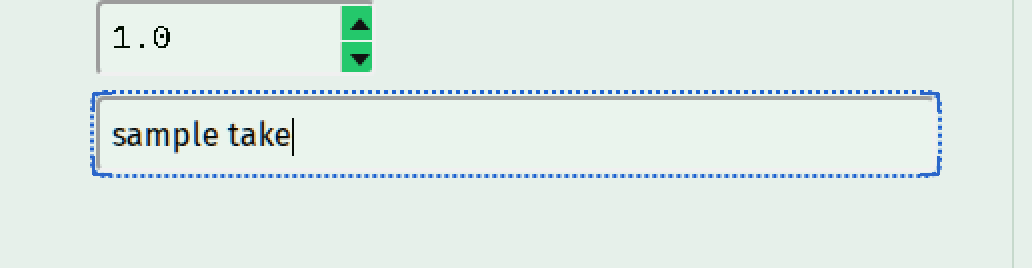
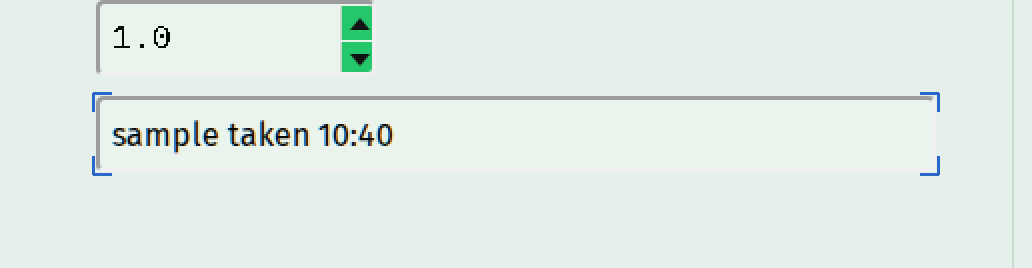
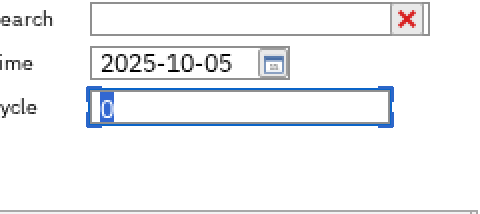
A field to type into: empty, being typed in, or filled.
In other looks
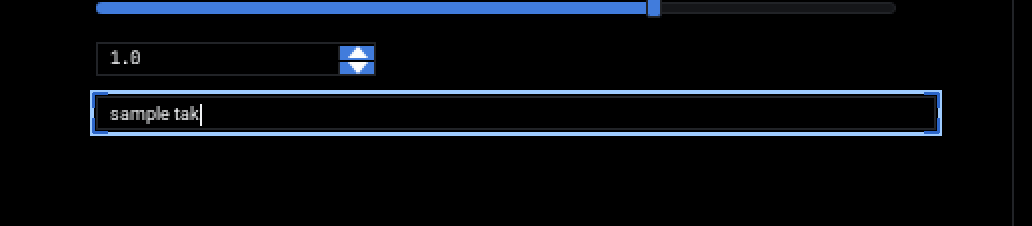
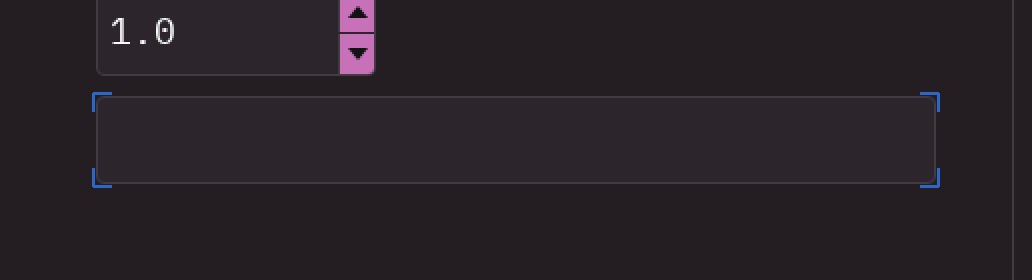
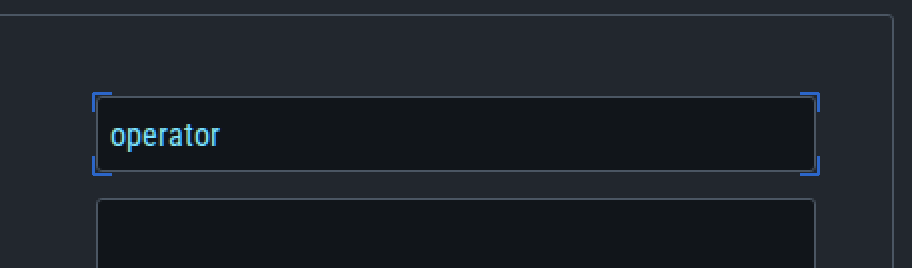
A search or entry box, such as the taskbar’s.
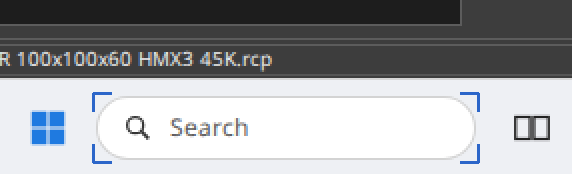
In other looks

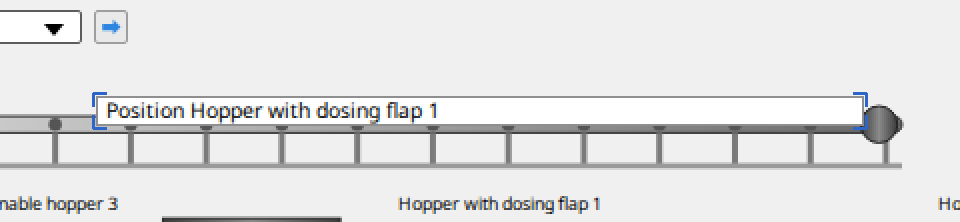
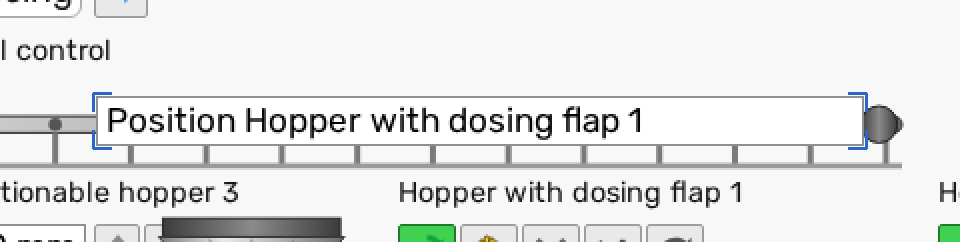
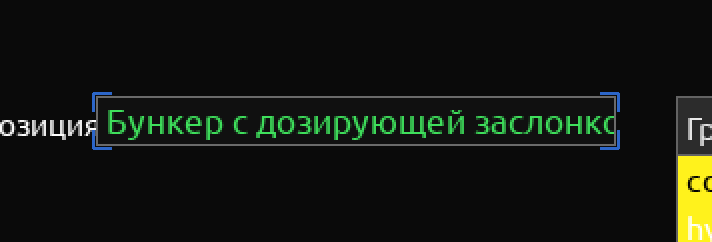
A field that shows a line of text, such as a position.
In other looks
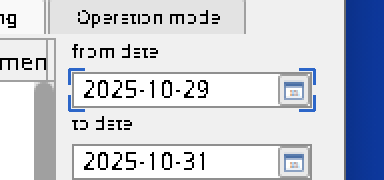
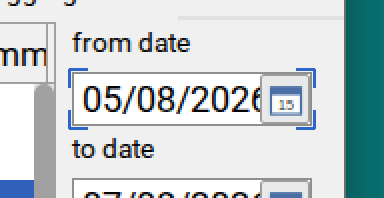
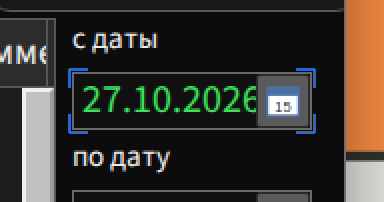
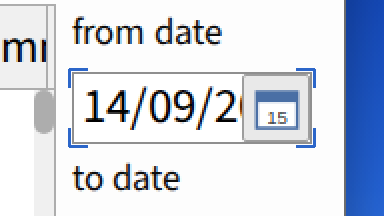
A date field with its calendar button.
In other looks
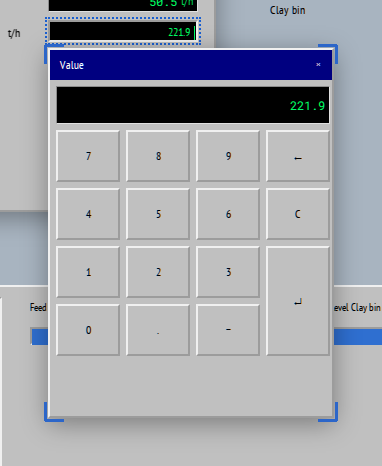
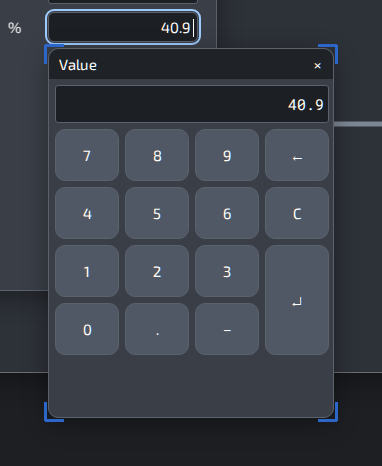
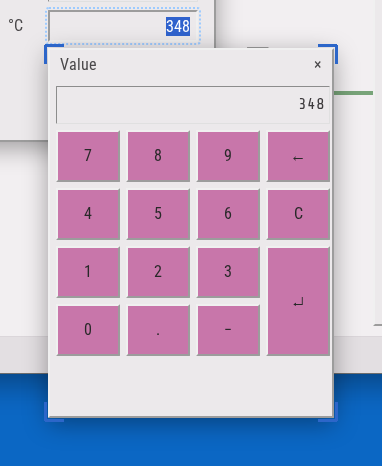
An on-screen number pad for entering a value.
In other looks
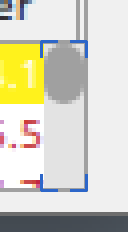
The bar beside a list or a table.
In other looks

8 kinds of part
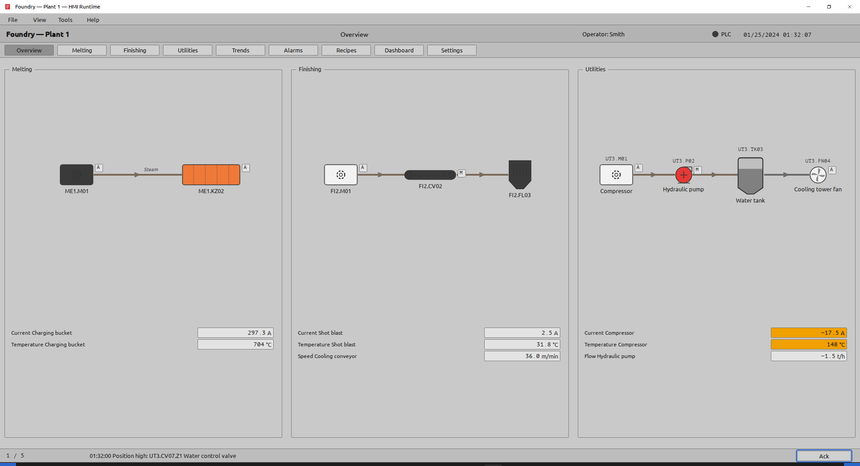
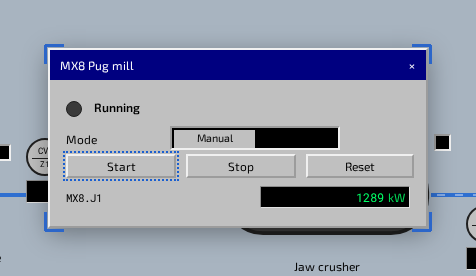
The frame around the HMI: windows, dialogs, tooltips and the desktop’s taskbar.
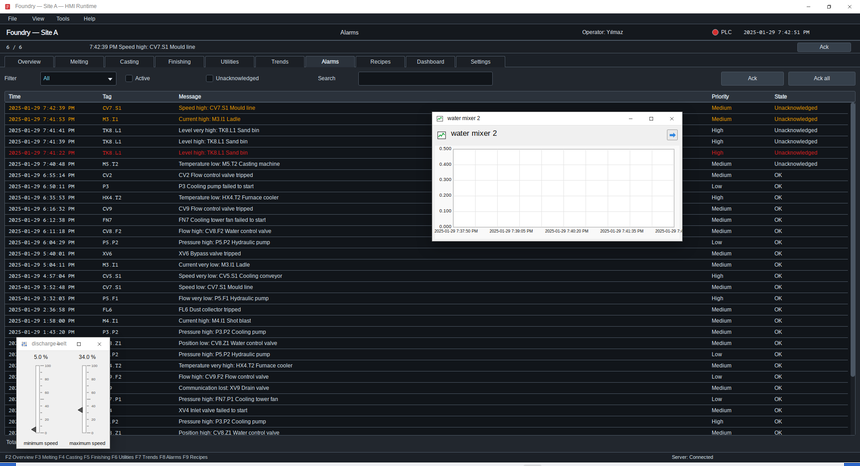
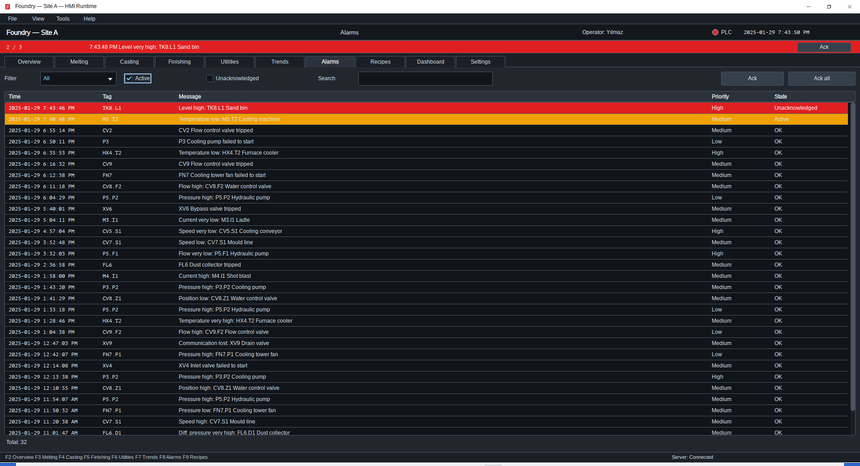
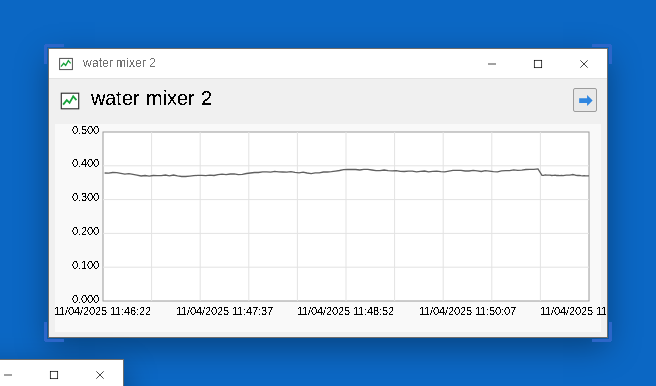
An application window, active or behind another.
In other looks
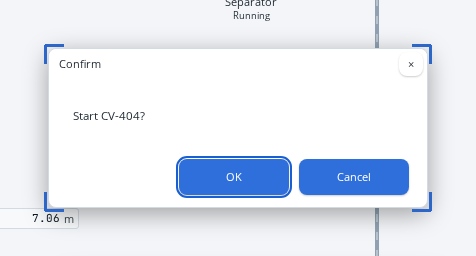
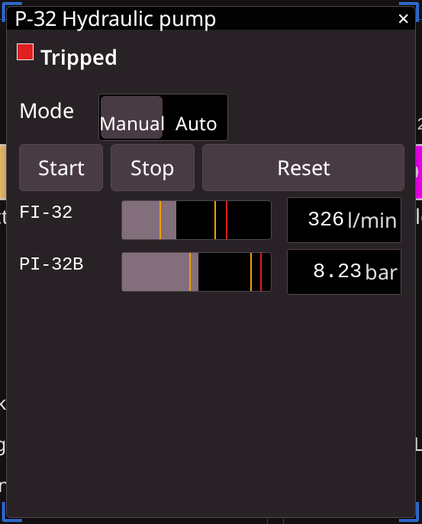
A confirmation, or a faceplate that opens over the page.
In other looks
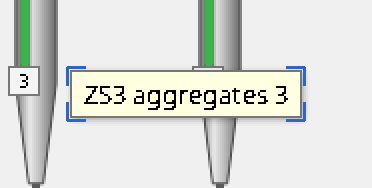
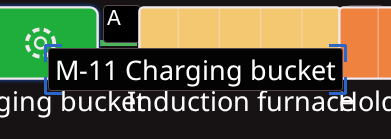
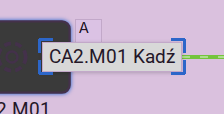
The label that appears under the pointer.
In other looks
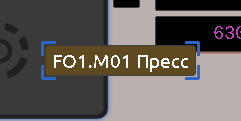
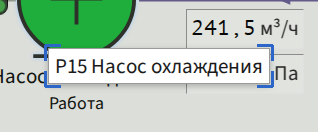
The desktop’s taskbar along the bottom of the screen.

In other looks

A program on the taskbar: pinned, running, active or minimised.
On a taskbar, a running program and a minimised one look alike.
In other looks
An icon on the desktop.
In other looks
The row of fields along the bottom of an HMI window.

In other looks

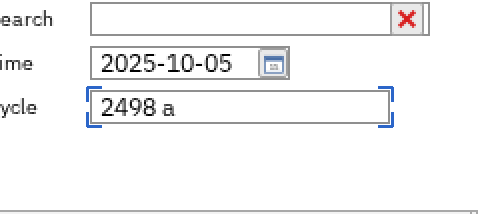
A line of text on its own, normal or being edited.
In other looks
Pilot programme
Send us screenshots of your control room’s pages, and we style the screen farm after them, so training sees parts that look like yours. Contact us to join our pilot programme.