Feature 01
Parts, in your words.
Valves, pumps, conveyors, lamps, alarm rows and the rest are followed from one reading to the next. Name a page or a part once, and its changes come out in the plant’s own words: to filter, to log and to raise an alert on.
What happens
SM1 finds each part on the three screens and follows it from one reading to the next, with its kind, its state and its colour. A name given once sticks to the part’s place on its page, and applies to its past events too.
What SM1 records
- Each change of state, with its time, screen and page
- Names for pages, kinds of part, single parts and their states
- Alert rules on any filter, held if wanted; fired alerts as records of their own
Why it matters
The pumps and valves an operator watches become events a historian, an alarm tool or a shift report can use, in the plant’s own words and without a tag list from the control system.
In the scene API
A part’s changes, by its name.
Name a page and a part once; the part’s changes then come back under its name, and an alert rule on the same filter fires when it goes to High alarm.
Plain HTTP and JSON, on the device beside the screens. The film shows the same requests, with the answers SM1 gave in that session.
POST /api/names
{"page": 3, "name": "Dryer"}

POST /api/names
{"part": "#1980", "name": "Heat recovery temp"}

POST /api/alerts
{"when": {"kind": "state",
          "part": "Heat recovery temp",
          "to": "High alarm"},
 "name": "Dryer over-temperature"}

GET /api/events?kind=state&part=Heat+recovery+temp

[{"part": "Heat recovery temp",
  "from": "Normal", "to": "High alarm", …}]
From the gallery
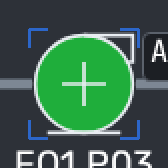
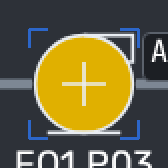
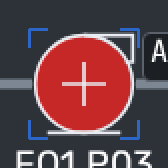
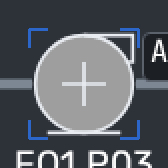
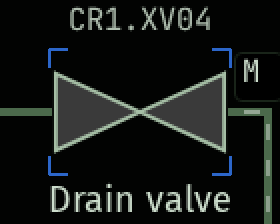
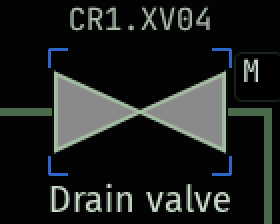
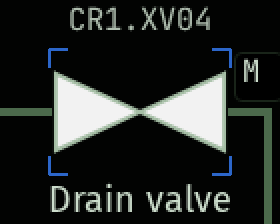
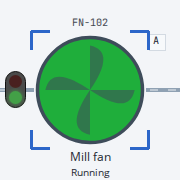
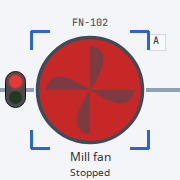
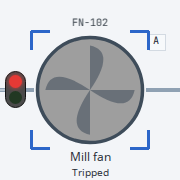
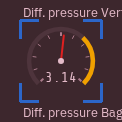
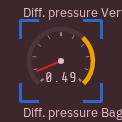
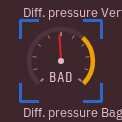
Each part, in its states.
Crops of our synthetic training and validation sessions, picked by their labels. All 63 kinds of part
Pilot programme
Your screens, as data.
Tell us about your control room: how many screens, which systems, and what you would like to know from them. Contact us to join our pilot programme.